

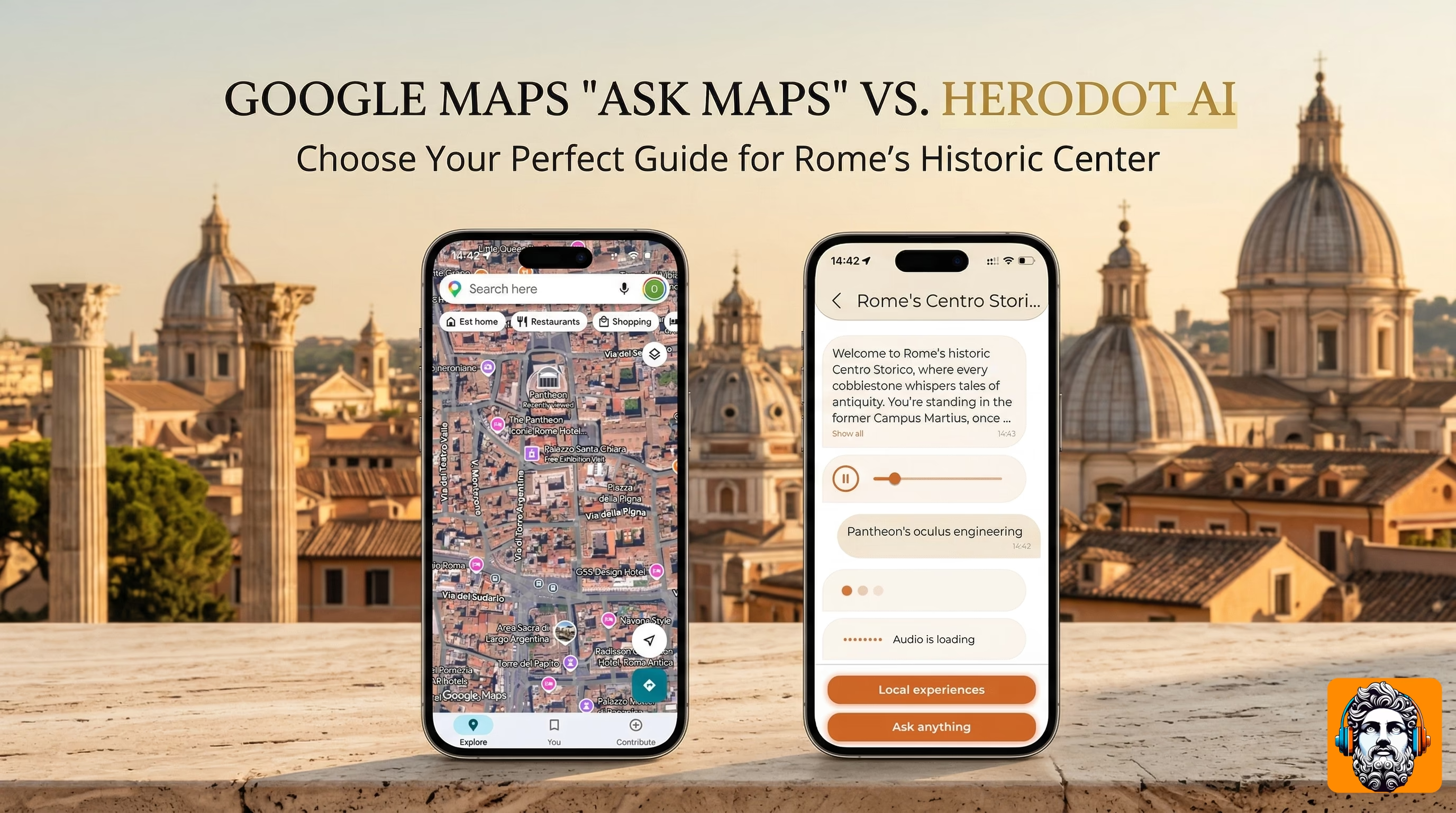
Travel planning changed forever in March 2026. The rollout of Google’s long-awaited “Ask Maps” feature, powered by Gemini, turned navigation into a conversation.
You can now use natural language prompts like “Find me a vegan restaurant with a great view and EV charging” and get a curated, intuitive response. It’s a game-changer for finding things.
But travel isn’t just about finding things—for many people, it’s about experiencing them.
This brings us to a sharp question for modern explorers: when you are standing in front of a 400-year-old monument, do you need a tool to help you leave, or a tool to help you stay? Probably you need both.
Today, we are comparing the logistical powerhouse, Google Maps AI, with the experiential storyteller, Herodot AI. Both use cutting-edge artificial intelligence from Google Gemini, but they serve two fundamentally different purposes.
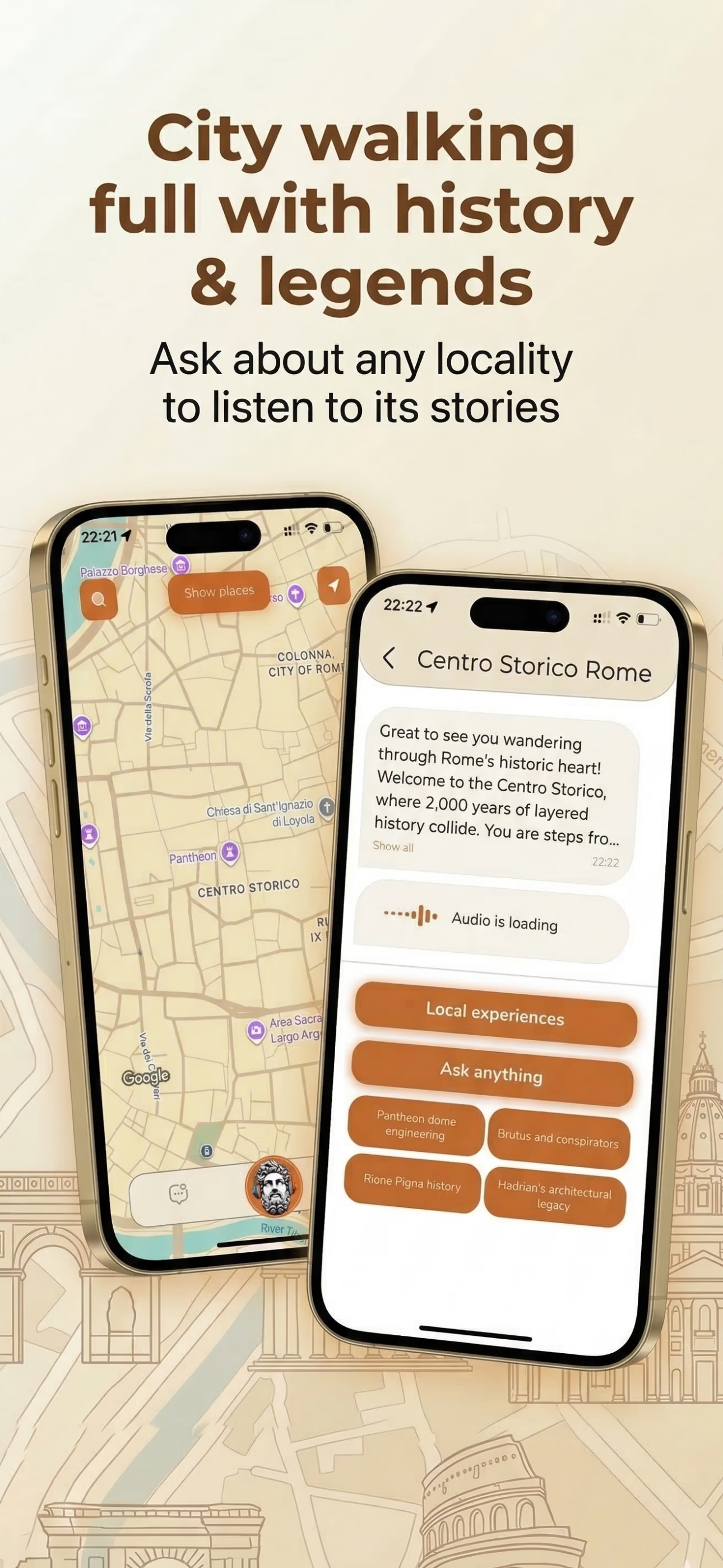
Ask Maps shines when you are still choosing where to go: natural-language search over neighborhoods, filters for hours and amenities, and map context that helps you compare options before you move. That “find and route” moment is where Google’s data depth is hard to beat.
1. The Vision: Finding vs. Feeling
Google “Ask Maps”
Google Maps is unrivaled at answering logistical questions. It focuses on efficiency.
- The vibe: “How do I get there, and what utility is nearby?”
- The strength: Google has access to the world’s most extensive business database and real-time transit data. If you need a pharmacy that accepts Apple Pay now, Ask Maps will find it faster than almost any other tool.
Herodot AI
Herodot AI is the companion for experiential questions. It focuses on depth.
- The vibe: “Why is this here, and what is its story?”
- The strength: Herodot understands context, culture, and history. It uses visual AI (photo to story) to recognize what you are looking at and then crafts a personalized narrative that turns a standard sightseeing stop into a profound moment of learning.
The bottom line: Use Google to get to the location. Use Herodot once you’re there to experience it.
2. Interface Battle: Conversational Prompts vs. Visual Recognition
Google Maps: Text and Immersive View
Ask Maps works primarily through a text-based chat interface. You type (or speak) your request, and Gemini interprets your intent.
- Unique feature: Google uses a sophisticated Immersive View that leverages neural radiance fields (NeRF) to create 3D models of destinations, allowing you to sense the ambiance before you go. This is ideal for deciding if you want to visit a location.
Herodot AI: Photo and Audio Narratives
Herodot moves beyond the prompt bar. Your camera and map are your interface. When you stand before a landmark, you don’t type a description—you snap a photo or tap it on the map.
- Unique feature: Our visual recognition model identifies the structure. Immediately, Herodot generates AI audio guide–style stories. You aren’t just reading text on a screen; you are listening to a curated history while your eyes stay on what’s in front of you. This is ideal for absorbing the location while you are present.
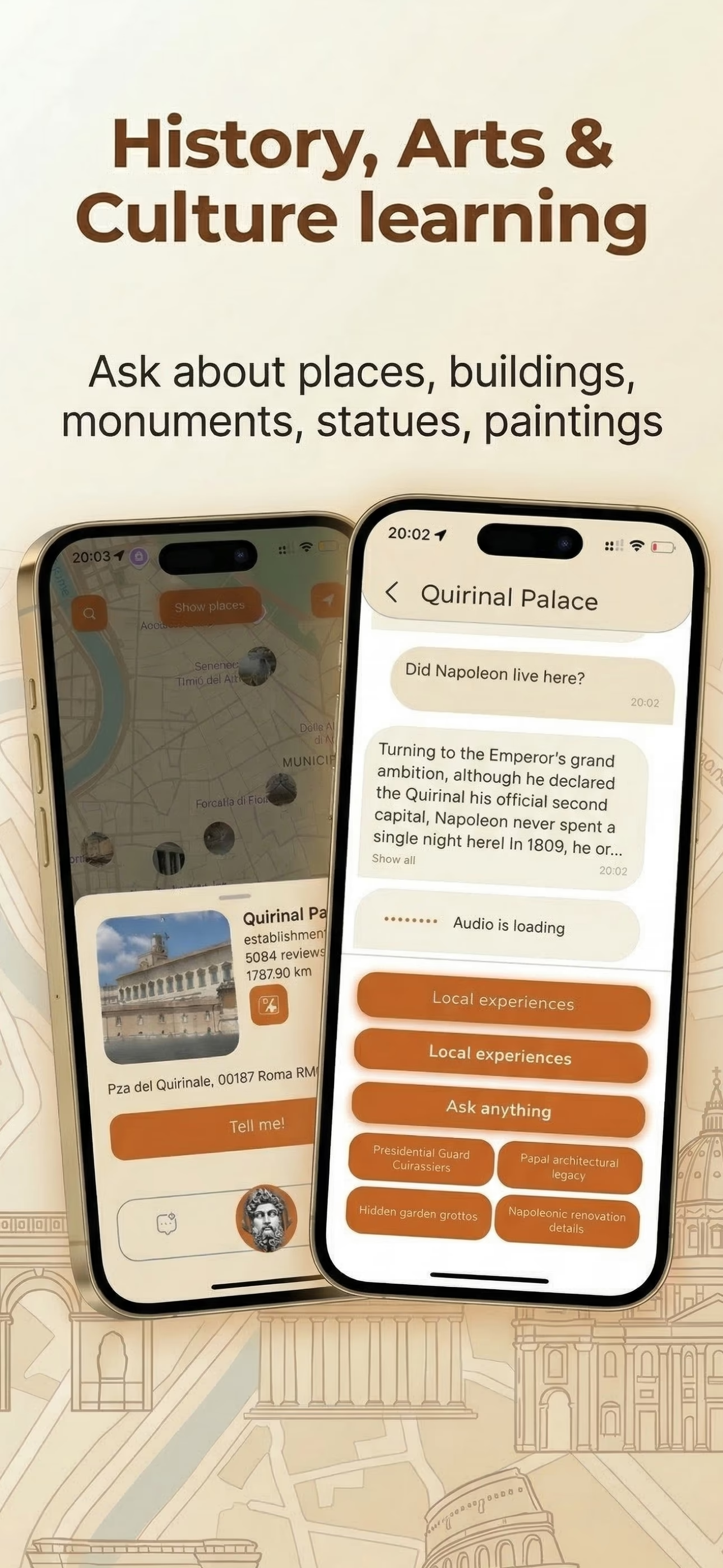
On the ground, the interface flips: instead of typing what you need, you show the place—photo or map tap—and get audio built for that exact view. It is optimized for the moment you are already standing there, not for scrolling lists before you leave the hotel.
3. The Persona Choice: One Assistant vs. Many Guides
Google: The Universal Assistant
When you interact with Ask Maps, you are talking to Gemini. It is highly competent, polite, and neutral. It’s the perfect, all-knowing administrative assistant. It doesn’t have an opinion; it has data.
Herodot AI: The Storyteller
History isn’t neutral; it’s vibrant. With Herodot, you don’t just get facts; you get a perspective. Users can choose who tells them the story by selecting different AI personas:
- The Historian: Deep, factual, and academic context.
- The Local Guide: Hidden angles, everyday culture, and how a place lives in local memory.
- The Kid-Friendly Guide: Fun, engaging, and simplified stories for younger travelers.
We bring the location to life by giving it a voice.
4. Feature Comparison Table
| Key feature | Google "Ask Maps" | Herodot AI |
|---|---|---|
| Main goal | Finding utilities and optimal routes. | Contextual storytelling and deep history. |
| Input method | Conversational chat (text/voice prompts). | Visual AI (camera scan, map selection). |
| Output | Lists, 3D Immersive Views, and text summaries. | Specialized AI audio guides. |
| Persona | General assistant (Gemini). | Multiple (Historian, Local, Kid-Friendly). |
| Offline mode | Limited map data. | Robust offline audio guide support. |
The Verdict: Complementary, Not Competitive
The debate isn’t about whether Herodot AI is “better” than Google Maps. It’s about recognizing that travel requires two types of intelligence.
When you need to navigate the Tokyo subway or locate an EV charger in rural France, Google’s Ask Maps is one of the most powerful tools ever built.
When you find yourself in front of a cryptic ruin or a masterpiece in a gallery, Herodot AI is the companion that can make that moment meaningful. Don’t just see the world—hear its story.
Your next journey deserves both.